Photoshop: Stylize Filters
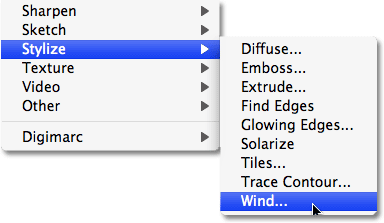
More exaggerated effects are possible using the Stylize Filters.
Solarize
Use this filter, which simulates the photographic darkroom technique of solarization to partially reverse an image. This was traditionally done through rexposing a negative or print during development. It is usually more effective on black-and-white photographs.
Find Edges
Use this to create a very exaggerated linear rendition of your photograph. It is often best applied having first converted the image to monochrome. For more controllable results, use the Glowing Edges filter, but this will convert the image to negative. However, this can be easily inverted by pressing Ctrl/Command I.

Solarize
Use this filter, which simulates the photographic darkroom technique of solarization to partially reverse an image. This was traditionally done through rexposing a negative or print during development. It is usually more effective on black-and-white photographs.
Find Edges
Use this to create a very exaggerated linear rendition of your photograph. It is often best applied having first converted the image to monochrome. For more controllable results, use the Glowing Edges filter, but this will convert the image to negative. However, this can be easily inverted by pressing Ctrl/Command I.